Part of a series on running AI workflows across model providers — this one adds a branch to the decision tree: cloud versus your own hardware.
Seven cloud providers into this series, the decision framework was always some version of "which cloud provider fits this task." Ollama adds a genuinely different branch to that decision tree: whether cloud fits at all, for a given piece of work.
The honest case for local
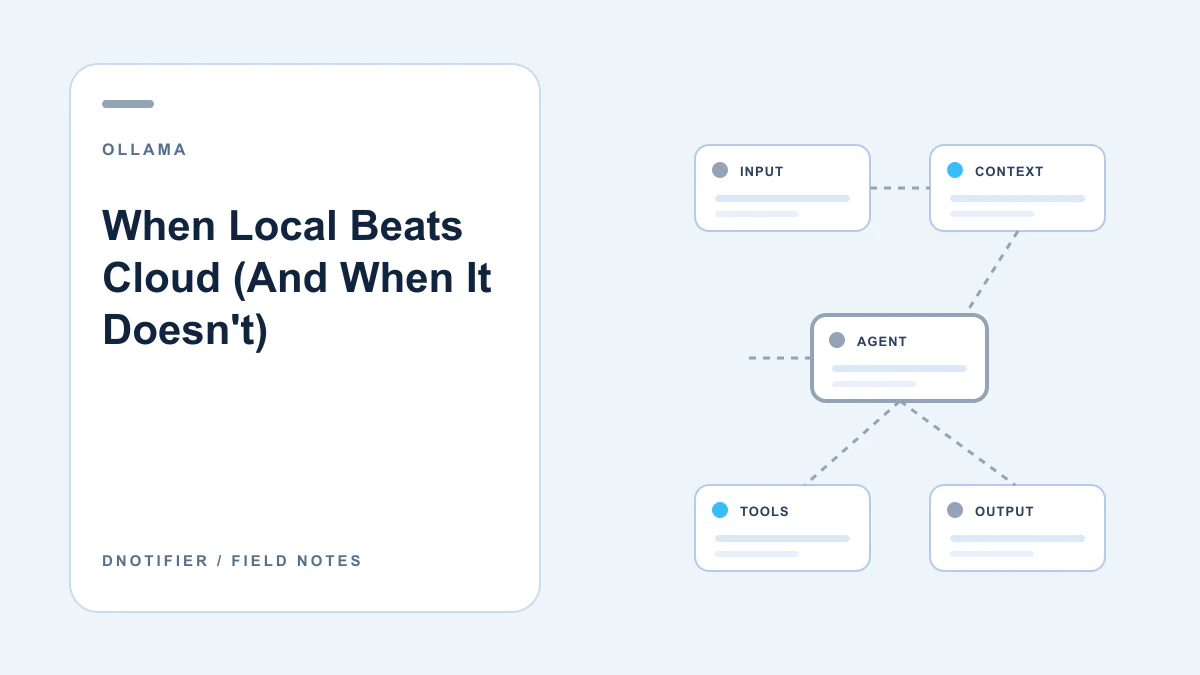
Three situations make a real, substantive case for running locally rather than through any cloud provider covered earlier in this series. Data that architecturally cannot leave a specific boundary — not just contractually restricted, but required to never touch third-party infrastructure — is the clearest case, covered in What Makes Ollama Different?'s healthcare example. Fully disconnected or air-gapped environments are a second, more absolute version of the same requirement: no cloud provider works at all without network access, so local is the only option, not merely the preferred one. And genuinely high, sustained, predictable usage at a scale where token-based cloud billing becomes a real ongoing cost is a third case — though this one deserves real scrutiny, since it's trading a metered cost for a fixed hardware-and-operations cost, not eliminating cost.
Local wins for specific, identifiable reasons — not as a general default over cloud.
The honest case against local
The tradeoffs are just as real. Cloud providers hand you access to the largest, most capable frontier models without you owning or maintaining any hardware at all — Ollama's practical ceiling is set by what you can afford to run, which for most teams is meaningfully below the top tier of cloud-hosted models. Cloud providers also handle their own infrastructure operations: uptime, scaling, and — as this series has covered at length for Azure and Bedrock — their own model lifecycle and retirement management. Running locally means you own all of that yourself, including the reachability setup covered in Ollama on DNotifier: Setup Guide and the update discipline covered later in this batch.
Latency and throughput under real concurrent load are a third honest consideration — a well-provisioned cloud API generally handles unpredictable traffic spikes more gracefully than a fixed local hardware budget, unless you've deliberately over-provisioned for headroom you may rarely use.
A framework, not a rule
None of this reduces to a simple rule, and the honest answer for most real applications is a mix rather than an all-or-nothing choice. The next article in this batch covers exactly that: how a single DNotifier workflow can route some steps to Ollama and others to any of the seven cloud providers covered earlier in this series, based on what each specific step actually needs.
The real answer for most teams isn't "local" or "cloud" — it's choosing per step, not per application.
A use case that shows a deliberate mixed decision
A team building an internal compliance-review tool needed two genuinely different capabilities in the same pipeline. The first step — scanning uploaded documents for a fixed set of sensitive-data patterns — ran on a modest local model through Ollama, specifically because the documents themselves couldn't leave the organization's own infrastructure at any stage. The second step — drafting a plain-language summary of what was found, using no sensitive content directly, just the categorized findings — ran through a cloud provider's more capable model, since nothing about that step required the local-only constraint and the cloud model produced meaningfully better prose. Neither step's provider choice was the "default" — each was chosen because of what that specific step actually needed.
Frequently asked questions
Is local always cheaper at scale?
Not automatically — hardware, its maintenance, and the engineering time to run it reliably are real costs. The break-even point depends on your actual usage volume and the hardware you'd need to buy.
Can I switch a workflow step from cloud to local later without rearchitecting?
Yes — since the provider is set per step in a DNotifier sendAI() call, switching a step's provider is a configuration change, not an application rewrite.
Is there a task type that's obviously always better on cloud?
Tasks that genuinely need the largest frontier models' reasoning depth are the clearest case — that capability ceiling is real and current local hardware, for most teams, doesn't match it.
Does using Ollama for one step mean the whole application has to be "local-first"?
No — as the use case above shows, mixing is the normal pattern, not the exception.
The Bottom Line
Next in this series: the newer capability that lets local models do more than answer questions — calling tools and returning structured output.
Read part six: Tool Calling on Local Models. Explore dnotifier.com.