Part of a series on running AI workflows across model providers — this one is about local models participating in real workflows, not just chat.
Every DNotifier workflow example in this series, across every provider, has relied on models that can do more than just generate text — calling a defined tool, returning structured output a workflow can act on, and participating as a real step in a multi-agent pipeline rather than a standalone chat response. That capability used to be a meaningful gap between local and cloud models. It isn't as wide a gap as it used to be.
What changed
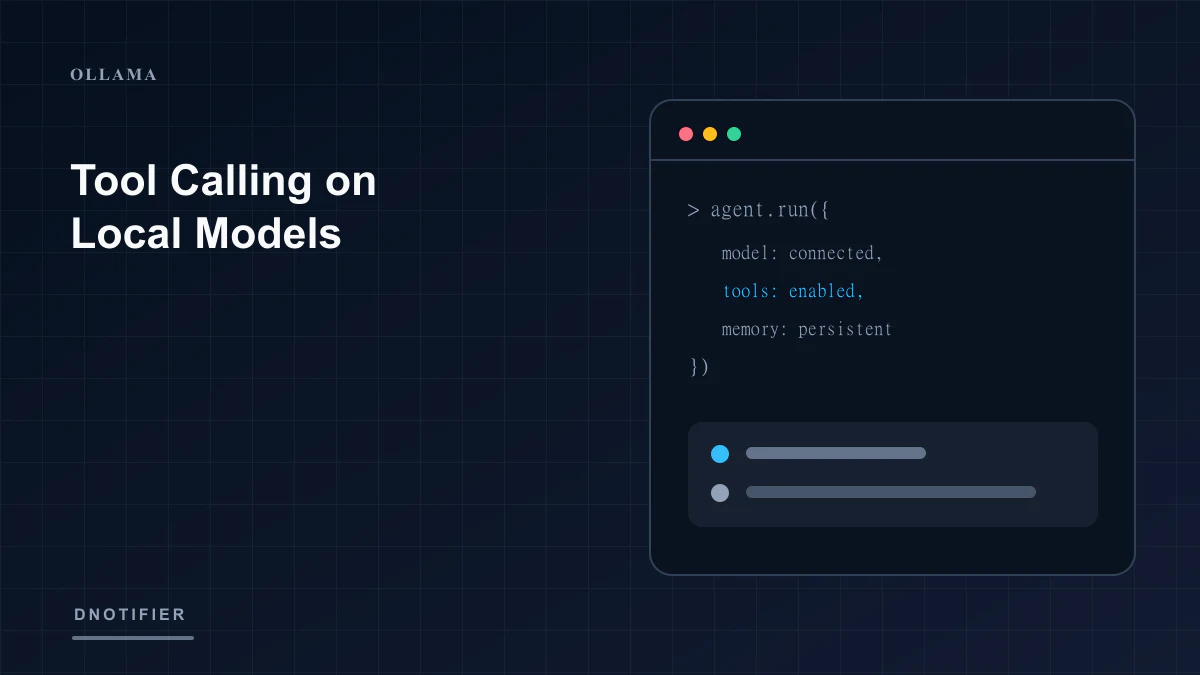
Local model tooling has matured to genuinely support structured outputs and tool calling — recent Ollama releases have specifically added structured-output capabilities, and a growing set of models available through the Ollama library support tool calling directly, including models built specifically for agentic tasks rather than pure chat. This means a defineAgent() step backed by Ollama can, with the right model, participate in a DNotifier Workflow the same structural way a cloud-backed step does — receiving ctx.input, doing work, and returning something the next step in the pipeline can use. For how tool calling works from definitions through dependent chains — not Ollama-specific — read that guide alongside this one.
Tool calling isn't a cloud-exclusive capability anymore — it depends on the specific model, not the provider category.
The honest caveat: model-dependent, not universal
This capability isn't uniform across every model you can pull through Ollama. Tool-calling reliability, like reasoning capability generally, tends to scale with model size and how deliberately a given model was trained for agentic use — a small, general-purpose model may handle simple structured extraction reliably while struggling with more complex, multi-step tool orchestration that a larger or purpose-built model handles cleanly. That multi-step orchestration is a ReAct agent loop: the model reasons, calls a tool, reads the result, and repeats. This mirrors, at a smaller scale, the same model-selection discipline covered in Choosing a Model to Run Locally: the right choice depends on testing the specific model against the specific task, not assuming capability by category.
The honest comparison isn't "local vs. cloud tool calling" — it's "this specific model vs. that specific model," tested directly.
It's also worth being precise about what's verified here versus what's a reasonable general expectation: this article describes Ollama's own documented structured-output and tool-calling support, and the general pattern that larger or agent-purpose-built models tend to handle tool calling more reliably — a claim about any individual cloud provider's tool-calling maturity relative to a specific local model would need direct, task-specific testing to state with confidence, not a general industry impression.
Testing tool-calling reliability before depending on it
Because reliability varies by model, the same Prompt Testing Studio discipline this series keeps returning to applies with extra weight here: before building a production workflow step around a local model's tool-calling behavior, test it directly against the actual tool schema and task the step will use in production, not a generic example.
A use case that shows the payoff of testing first
A team building an internal ticket-triage workflow initially assumed their smaller, fast local model would handle a structured tool call to categorize and route incoming tickets, based on it working correctly in early manual testing. Running a larger batch of representative real tickets through DNotifier's Prompt Testing Studio revealed the smaller model handled straightforward tickets reliably but produced malformed tool calls on a meaningful share of ambiguous, multi-issue tickets. Routing only the ambiguous cases to a larger local model — still entirely local, still no cloud provider involved — while keeping the smaller model for the straightforward majority resolved the reliability gap without giving up the local-only constraint the project required.
Frequently asked questions
Do all Ollama-hosted models support tool calling?
No — it depends on the specific model; check what a given model's documentation states about structured output or tool-calling support before depending on it in a workflow step.
Does DNotifier's defineAgent() work differently for a local model versus a cloud one?
No — the abstraction is the same; what changes is which specific model, behind which specific provider, actually receives the call.
Should I default to the largest local model for any step involving tool calling?
Not automatically — as the use case shows, routing only the genuinely complex cases to a larger model, while keeping simpler cases on a smaller and faster one, is often the better-tested outcome.
Can a local model's tool-calling output be validated the same way a cloud model's can?
Yes — DNotifier's workflow layer doesn't distinguish between providers when validating or acting on structured output; the validation logic in your workflow applies the same regardless of which provider produced it.
The Bottom Line
Next in this series: the operational side of running local models over time — keeping them updated without a vendor doing it for you.
Read part seven: Keeping Your Local Models Fresh. Explore dnotifier.com.